
Text-to-3D
Generate a textured 3D model from a written description with TripoSR Text-to-3D, including how to prompt for 3D, what to expect, and the credit cost.
Text-to-3D generates a 3D model from a written description, no image required. You describe an object in words, TripoSR generates it on a cloud GPU, and you download the result as a GLB file. Use this tool when you have an idea in mind but no reference photo.
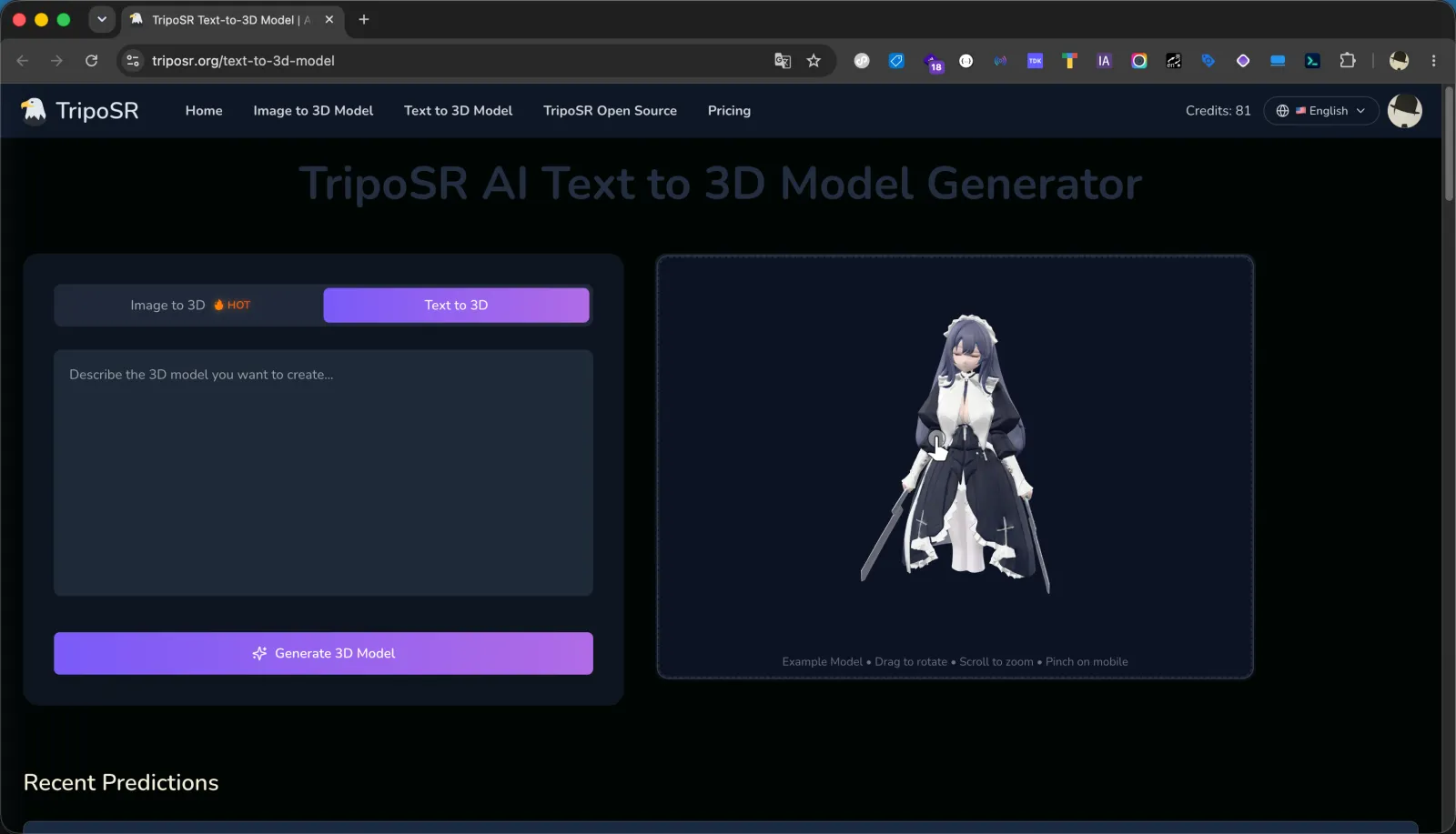
Account and credits
Text-to-3D requires a signed-in account. Each generation costs 12 to 20 credits by texture quality, the same as Image-to-3D. Failed generations are refunded automatically.
Prompting for 3D
A 3D prompt is not the same as an image prompt. You are describing a single physical object, not a scene or a mood, so keep it concrete:
- Describe one object. "A wooden rocking chair" reconstructs far more cleanly than "a cozy living room", which has many objects and no single subject.
- Name shape, material, and color. Details like "a matte black cast-iron kettle with a curved spout" give the generator clear geometry and surface cues.
- Skip scene and camera language. Words about lighting, background, camera angle, and atmosphere describe a photo, not a 3D object, and add little here.
- Keep it focused. A short, specific noun phrase usually beats a long paragraph. Add only the details that define the object's form.
What to expect
Text-to-3D produces a textured mesh that matches your description's overall shape and material. Simple, well-defined objects (props, furniture, tools, toys) work best. Highly detailed or ambiguous prompts, scenes with multiple objects, and fine text or logos are harder and less predictable. As with Image-to-3D, you can rotate and zoom the preview before downloading.
Steps
Open Text-to-3D and describe the object
Sign in, open the Text-to-3D tool, and type a short prompt describing a single object, for example "a small ceramic teapot with a round lid".
Generate
Start the task. It costs 12 to 20 credits, by the texture quality you picked, and typically finishes in a couple of minutes.
Review and download
Check the preview by rotating and zooming, then download the model as a GLB file. See Exporting the GLB for next steps.